Getting Started with DJQueueIt
DJQueueIt lets your audience request songs and send tips — all through a single QR code. No app downloads, no sign-ups for fans.
How it works
- You display your QR code — on screen, printed, or projected
- Fans scan and request — they search any song via Spotify
- Requests appear instantly — on your dashboard in real time
- You get paid — tips and premium requests go straight to your Stripe account
Quick setup (5 minutes)
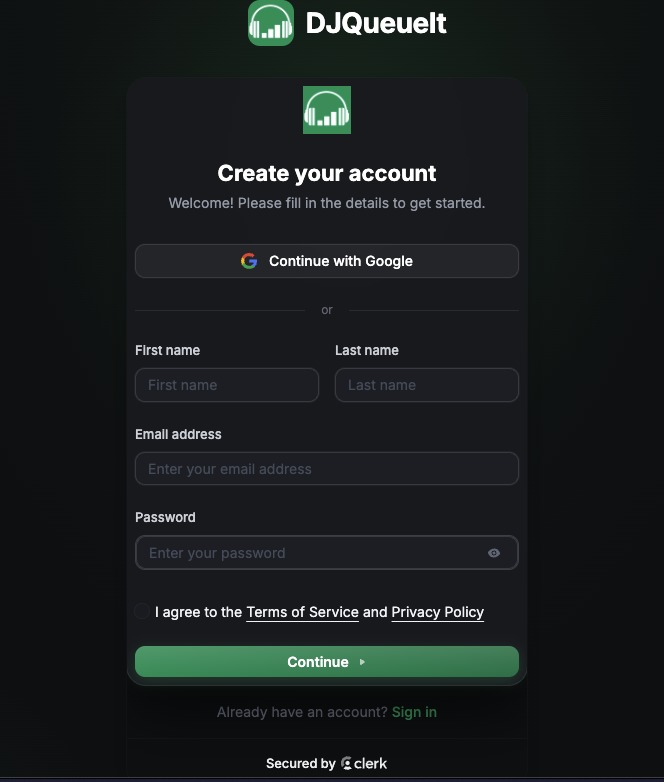
1. Create your account
Go to djqueueit.com/register and sign up. Your DJ profile is created automatically. We utilise Clerk so our application does not save any private information.
2. Connect Stripe
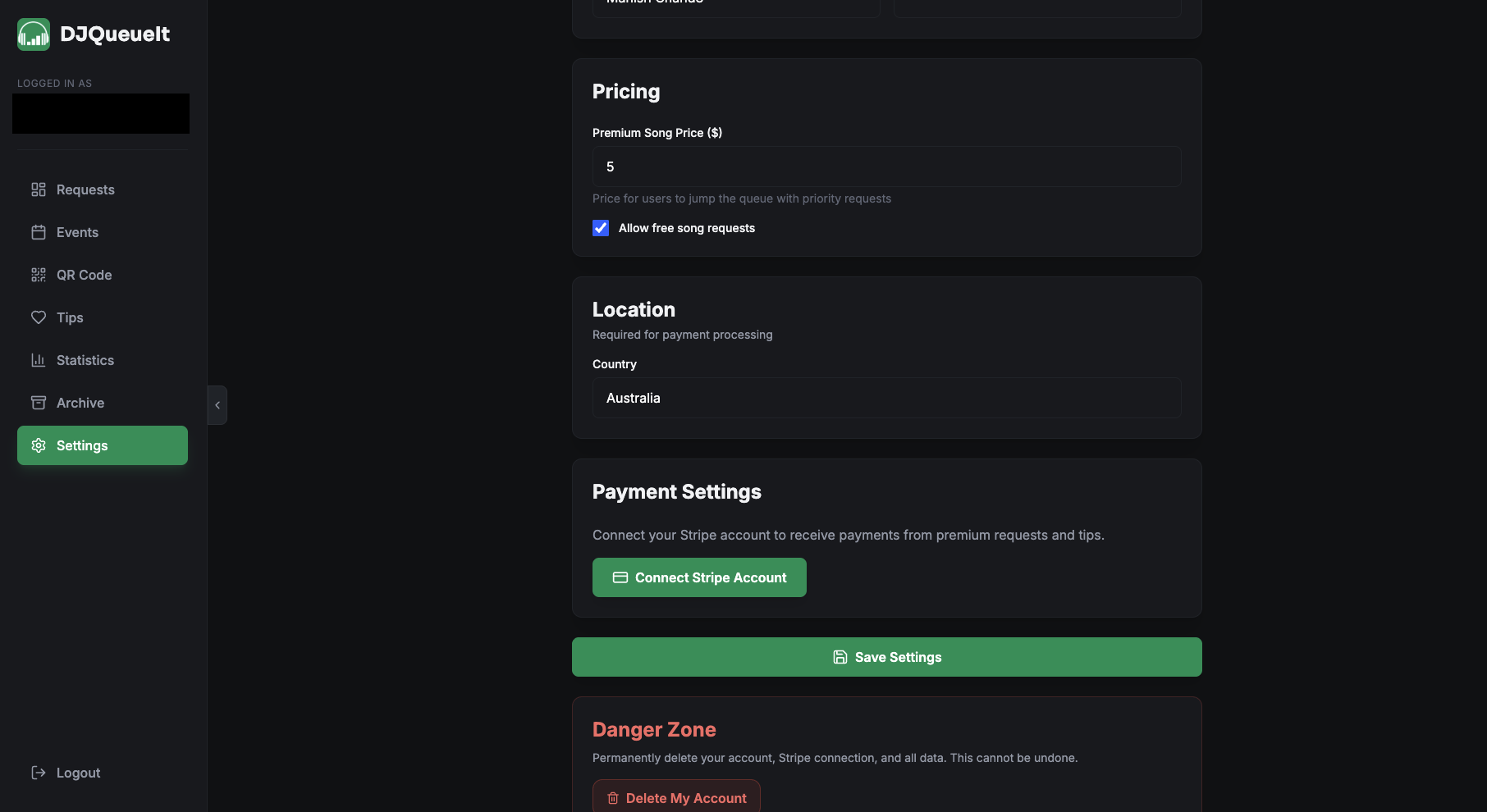
Head to Settings → Payments and connect your Stripe account. This is required to accept premium requests and tips. Stripe handles all payments — DJQueueIt takes a 10% platform fee.
info
You can still use DJQueueIt without Stripe — fans can submit free requests. You just won't be able to accept paid requests or tips until Stripe is connected.
3. Configure your pricing
In Settings, set:
- Whether free requests are allowed
- Your premium request price (e.g. $3.00 to jump the queue)
4. Display your QR code
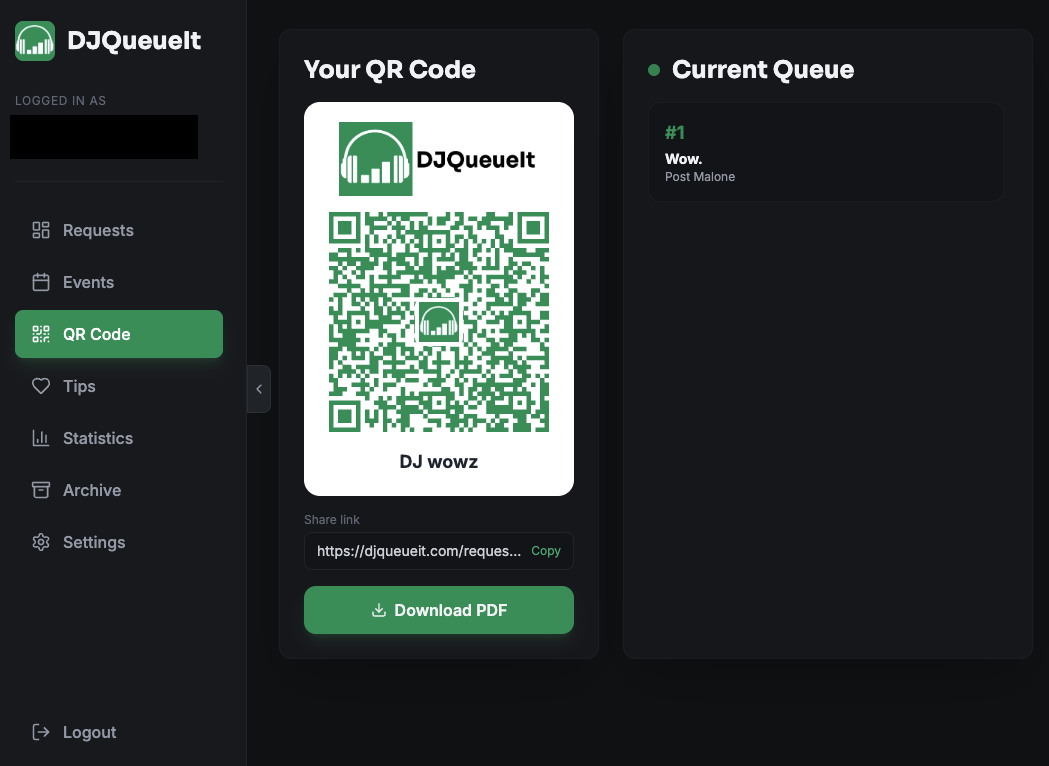
Go to QR Code in your dashboard. You can:
- Display it fullscreen during your set
- Download it as a PDF (simple or styled) to print
That's it. Your fans can now request songs.