Account Setup
Creating your account
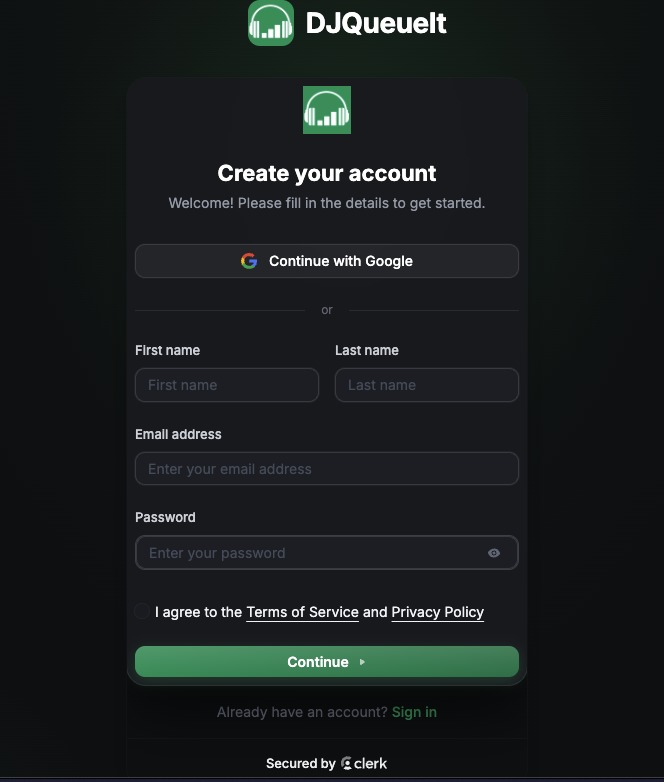
Register at djqueueit.com/register. After signing up you'll land on the onboarding flow which walks you through:
- Setting your DJ name
- Choosing your request settings
- Connecting Stripe
Your DJ name appears on your QR code card and in the fan-facing request page — make it recognisable. The country is important as it sets the location where settlements will happen.
Settings overview
Find everything under Dashboard → Settings.
| Setting | Description |
|---|---|
| DJ Name | Shown to fans on the request page |
| Free Requests | Toggle whether fans can submit without paying |
| Premium Price | Cost (in your currency) to jump the queue |
| Stripe Connect | Link your bank account for payouts |
Connecting Stripe
DJQueueIt uses Stripe Connect so payouts go directly to your bank — we never hold your money.
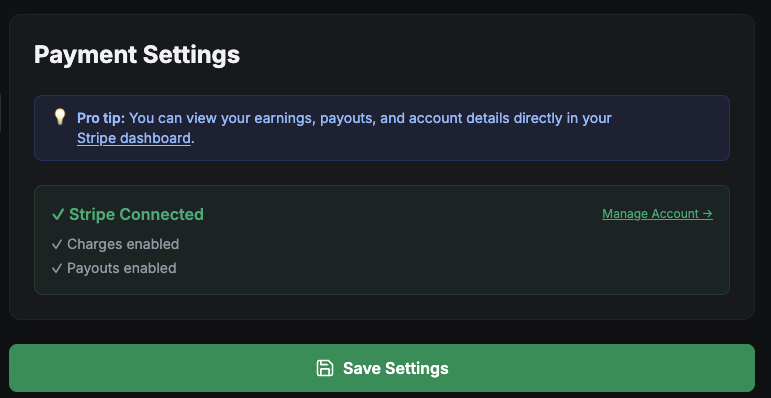
- Go to Settings → Payments
- Click Connect with Stripe
- Follow Stripe's onboarding (takes ~2 minutes)
- Once connected, a green checkmark appears
You must complete Stripe's identity verification before you can receive payouts. Stripe may ask for ID depending on your country.
Platform fee
DJQueueIt charges a 10% platform fee on all paid transactions. On top of this, Stripe also charges transaction fees.
Changing your DJ name
Your DJ name can be changed in Settings at any time. Your QR code URL doesn't change — it's token-based, not name-based.