Payments & Earnings
How payouts work
DJQueueIt uses Stripe Connect to send money directly to your bank account. The flow is:
- Fan pays for a premium request or tip
- Stripe processes the payment
- DJQueueIt deducts a 10% platform fee
- Stripe deducts a fee depending on the card type utilised.
- The remaining amount is transferred to your Stripe account
- Stripe pays out to your bank on your configured schedule (typically daily or weekly)
Tips
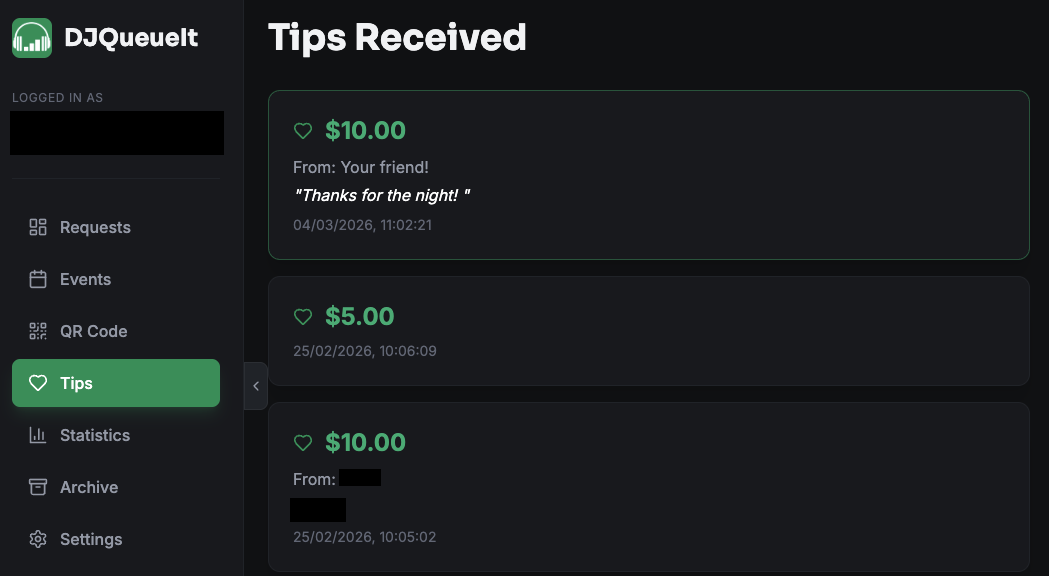
Fans can send you a tip with an optional message at any point — they don't need to request a song first.
Tips appear in Dashboard → Tips and are not subject to an application fee. We will not take a % of your hard earnt tip.
Statistics
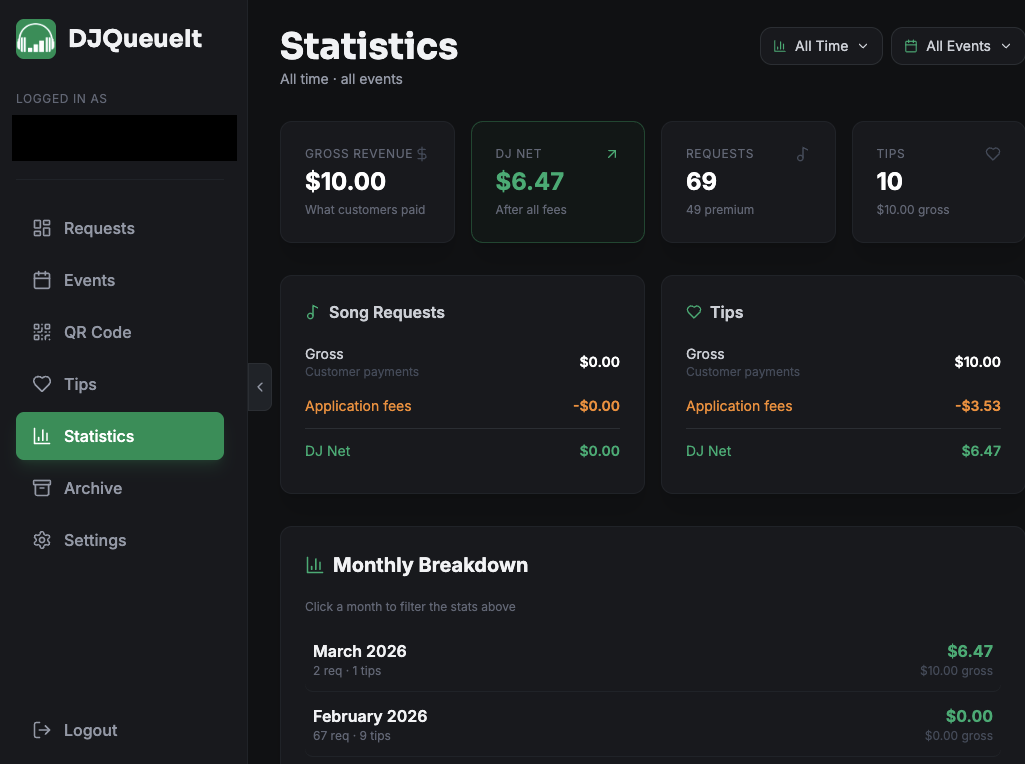
Dashboard → Statistics gives you:
- Total earnings (all time)
- Earnings breakdown by request type (free, premium, tips)
- Request volume over time
- Top requested songs
Stripe dashboard
For detailed payout history, invoices, and bank configuration, log into your Stripe Express dashboard directly.
This can be found in Settings -> Manage my Account.
Refunds
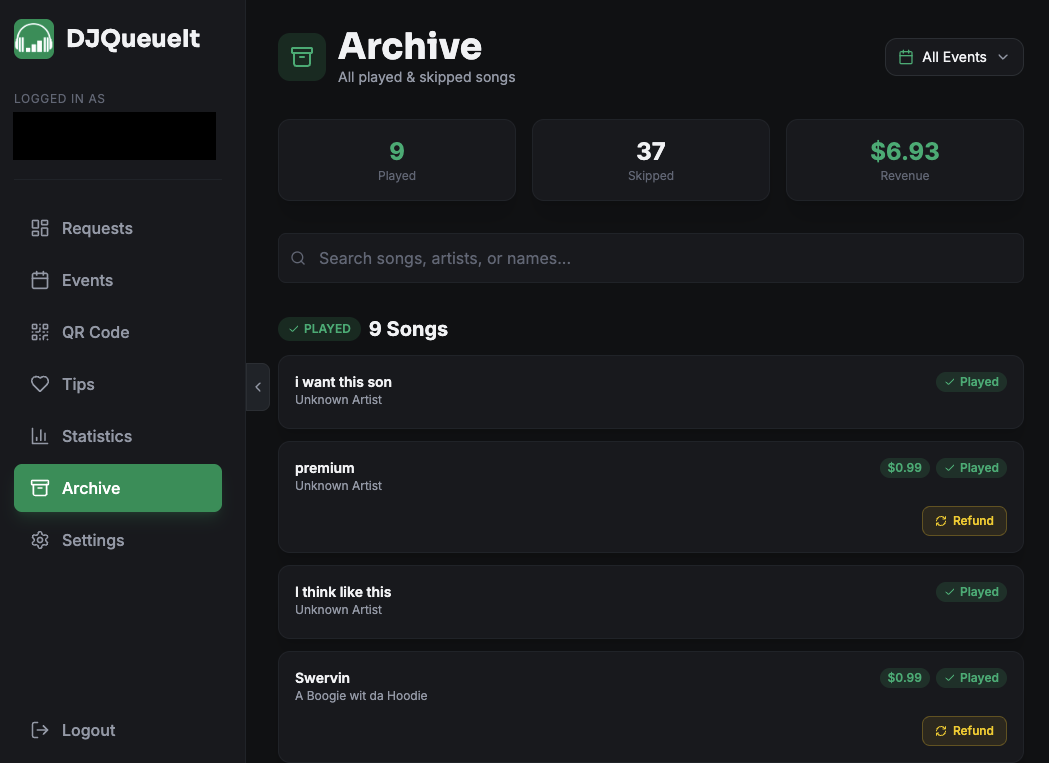
Refunds are handled on a case-by-case basis. If a fan requests a refund, you can issue one from your Stripe dashboard. DJQueueIt does not automatically refund if a song isn't played.
Set clear expectations with your audience. A disclaimer that requests aren't guaranteed to be played helps avoid refund disputes.
Supported countries
DJQueueIt supports all countries where Stripe Connect is available. Check Stripe's country availability for the latest list.